High-Resolution Imagery & Aerial Maps
Six times the resolution of the best satellite imagery, refreshed 3–4 times a year across Australia’s metro and key regional areas. Compare captures going back years, drop planning zones and permits over the top, measure on the image, and export it straight into your reports. Unlimited on every paid plan.
"Landchecker is essential for our business for evaluating development opportunities by offering detailed property insights, High-Resolution Imagery, and zoning data to save time and enable confident decisions."
Warren Millar, Fairhaven Homes
High Resolution Imagery at a Glance
- Landchecker offers satellite and high-resolution aerial imagery
- High resolution imagery is supplied via Aerometrex / MetroMap
- Historical aerial imagery is available when high resolution is enabled
- Metro areas are updated up to four times per year
- Imagery can be exported as JPEG or PNG
- High resolution aerial maps are available across Australia’s metro and key regional areas
Aerial Imagery - What is it?
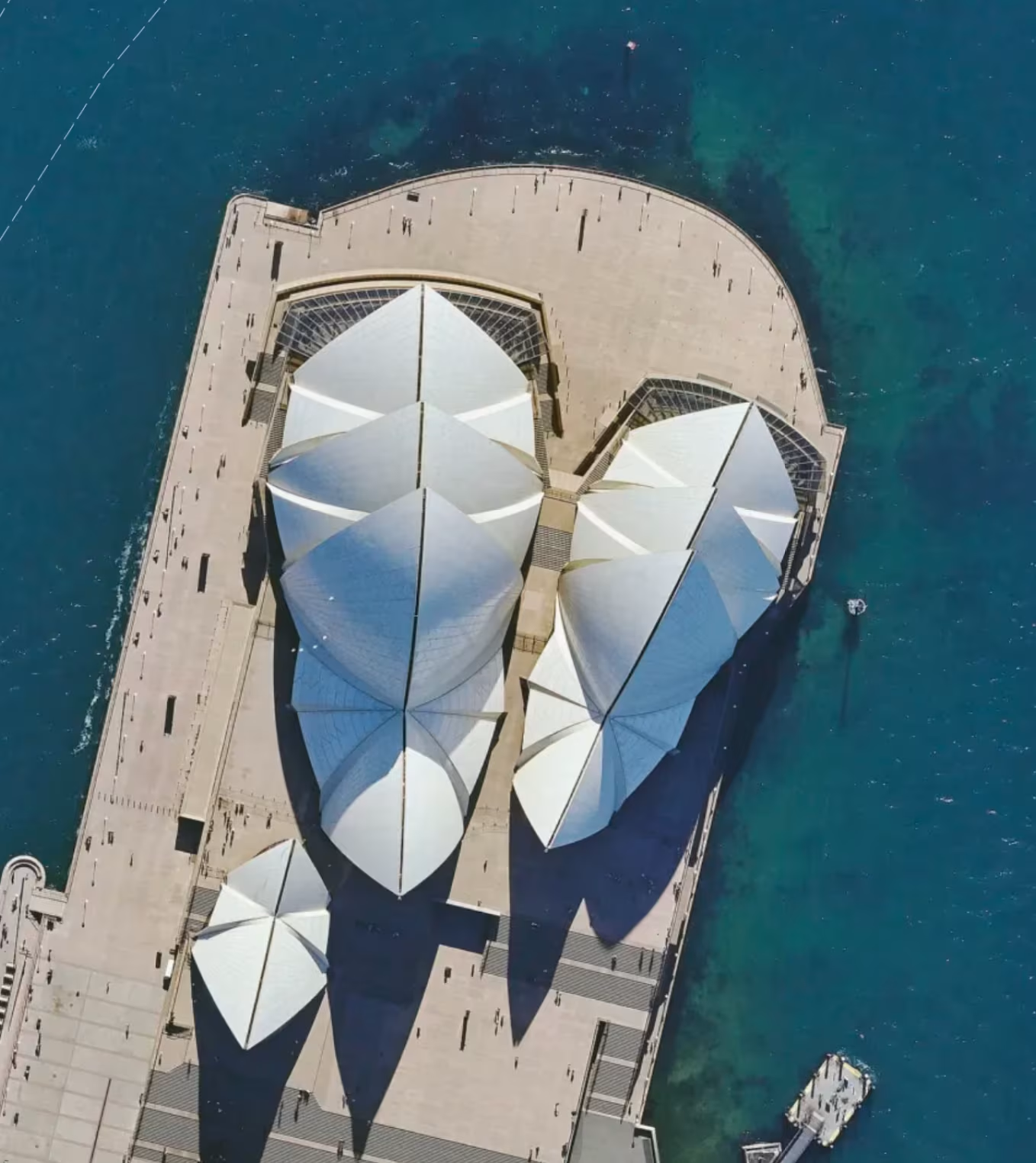
Aerial imagery - also known as ortho-imagery or ortho-photography - is a type of photograph of the land that is taken from above, usually from planes or drones that fly at low altitude.
Aerial Versus Satellite Imagery
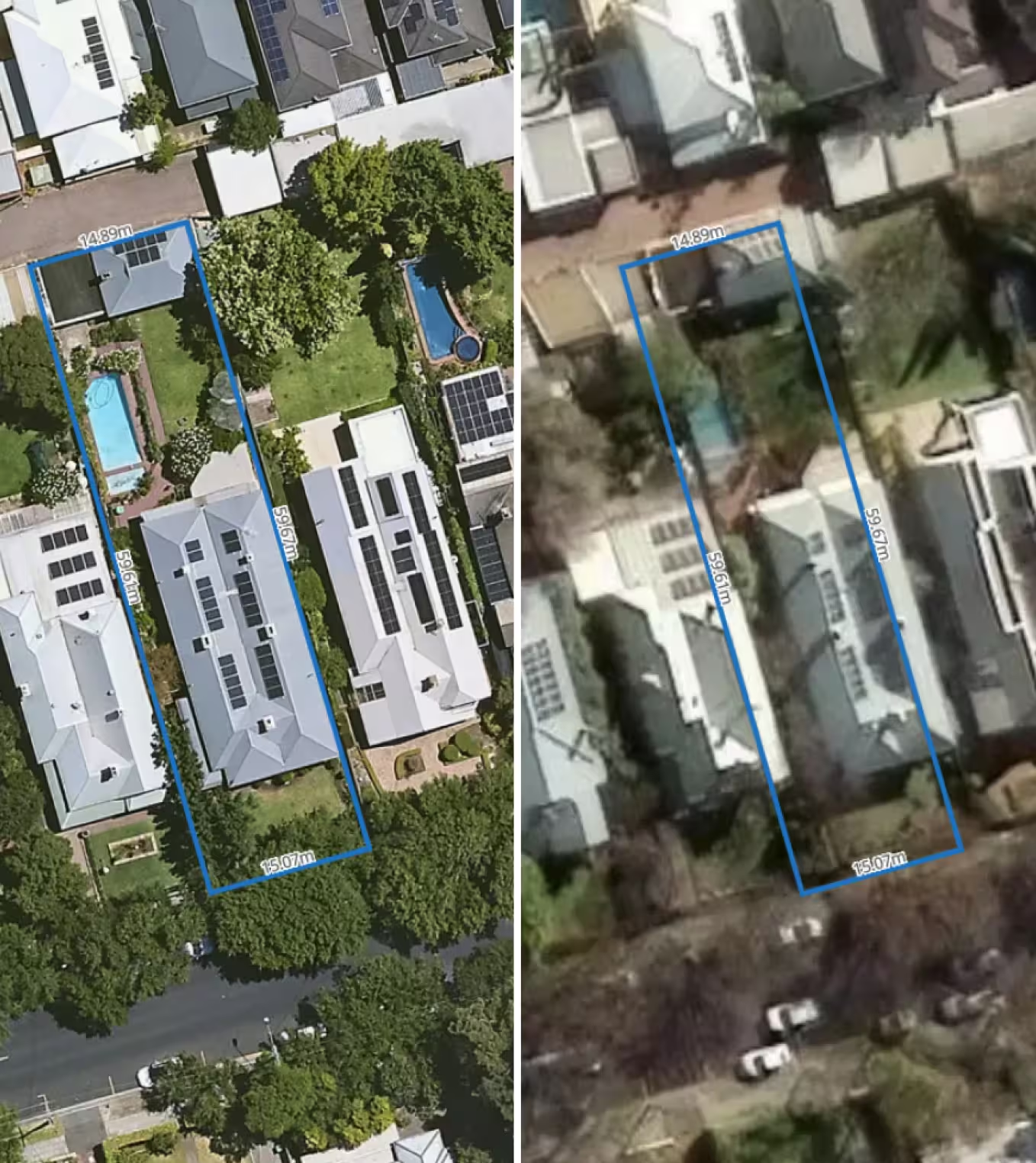
Aerial imagery gives close-up, clearer views of smaller scale areas of land, whereas satellite imagery is predominantly used to monitor larger scale areas, remotely. As such, satellite imagery cannot provide the detail required for property assessment or site reconnaissance, although it is used for macro-analysis of suburbs and cities.
Aerial Imagery - Past and Present
Although aerial imagery goes as far back as the invention of aeroplanes, its evolution reflects advancements in geospatial technology and digitised mapping over recent decades especially.
Aerial Imagery - Use Cases
Today, aerial imagery has many use cases that are government-driven or supported. Agricultural management, urban and sustainability planning and land use are some key areas that benefit from the use of aerial imagery.
Aerial Imagery and Mapping Applications
Aerial imagery is geo-referenced so it can be used with other spatial data to understand and assess different features and attributes of a location. Mapping applications utilise aerial imagery to provide a snapshot in time of areas of land for analysis and evaluation in conjunction with other datasets.
Since aerial imagery enables close-up and clear views of structures and topography, it is the preferred imagery used in mapping applications for property and planning purposes.
High Resolution Aerial Imagery Source and Data Authority
The high resolution aerial imagery is sourced through Aerometrex via their MetroMap service. Imagery is typically updated 3-4 times per year in metro areas, and 1-2 times per year in regional areas.
When viewing properties using high resolution aerial imagery, you can access the historical imagery depending on how far back the imagery was captured.
The high resolution aerial imagery is orthorectified, which means the captures are geometrically corrected and map-accurate. Tilt and terrain distortions are removed so you can have accurate measurements and seamless CAD/GIS overlay.
This aerial imagery provides better resolution with clearer and more detailed captures, which is the level of detail property professionals need for planning, development, valuation and legal work.
Meanwhile, satellite imagery has coarser resolutions due to the distance between the satellite and the Earth's surface, making it better fit for use in broad-scale analysis.
Aerial Imagery & Landchecker
Landchecker: Aerial views of every property
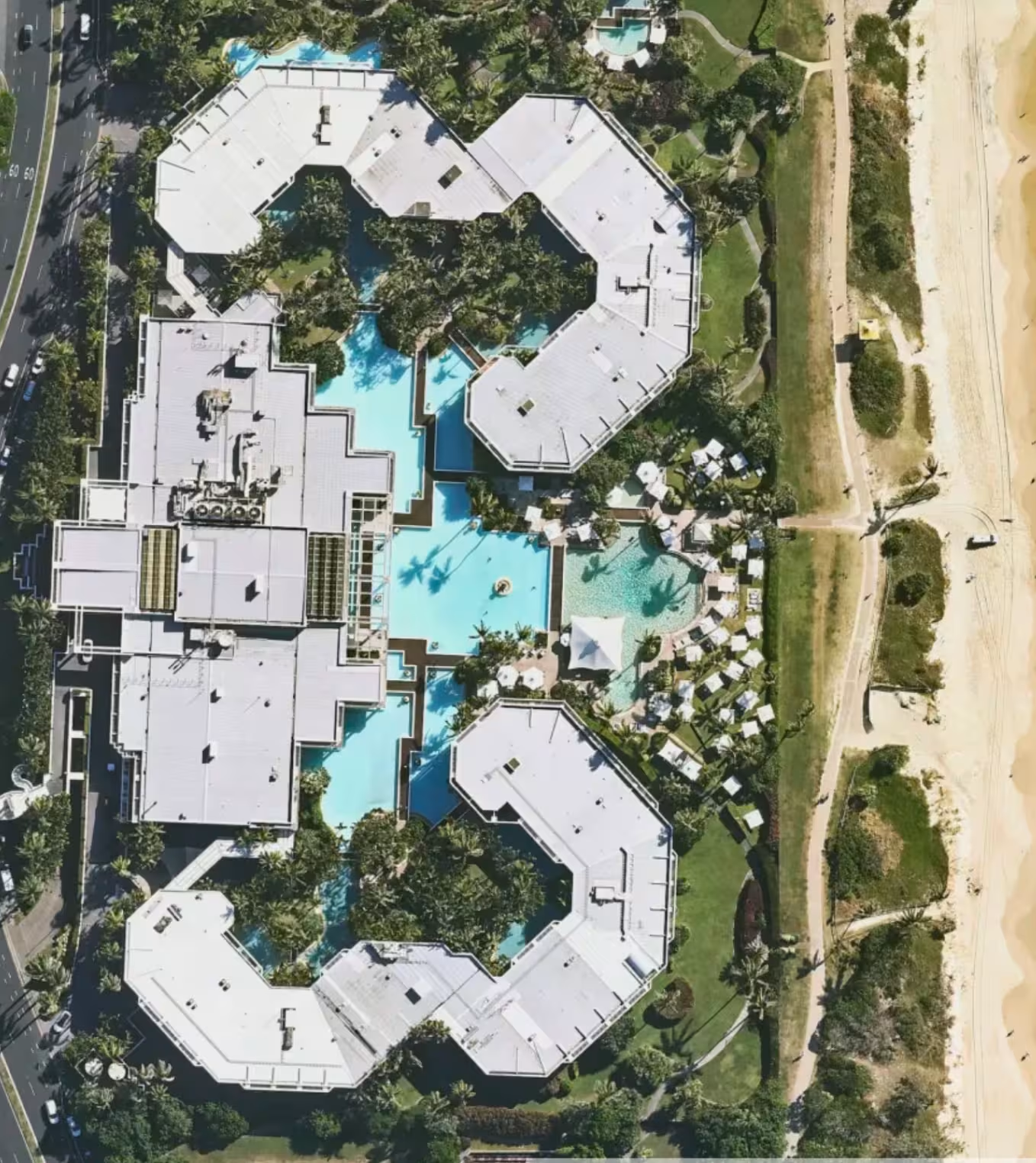
Landchecker, a map-based application, utilises two types of aerial imagery - standard and high-resolution - to capture land across metro and regional areas nationwide, in effect providing customers with an aerial view of every property in Australia.
How to switch imagery types
There are three map types available on Landchecker: high resolution aerial imagery, satellite aerial imagery, and base map. Simply click the map types in the bottom-left corner of the map to switch between standard and high resolution imagery.
The ability to access high resolution imagery on your Landchecker account depends on the location and plan. All paid plan members are able to access unlimited high resolution aerial imagery. However, if this feature appears locked, reach out to your account admin to provide you with the relevant permissions.
Landchecker harnesses High-Resolution for metro areas
Landchecker partnered with geospatial tech company and leading aerial imagery supplier, Aerometrex, in 2020, to provide property professionals with the highest resolution aerial imagery of properties across all metropolitan areas.
Through Aerometrex’s MetroMap image service, Landchecker customers on a paid plan benefit from images that are high in quality (6 x higher resolution than the best satellite imagery) and frequently updated (four times a year) for metro areas.
Standard vs High-resolution - the differences.
While Landchecker utilises both of these types of aerial imagery, it’s good to understand the differences so that you can make the most of the app and select the best plan to suit your property needs.
When to use high-resolution aerial imagery
Use high resolution aerial imagery when you want to access precise parcel-level detail of a property. High-resolution imagery is appropriate when you want to use precise, up-to-date images of a property. You might also want to use it when you want to include images in a report.
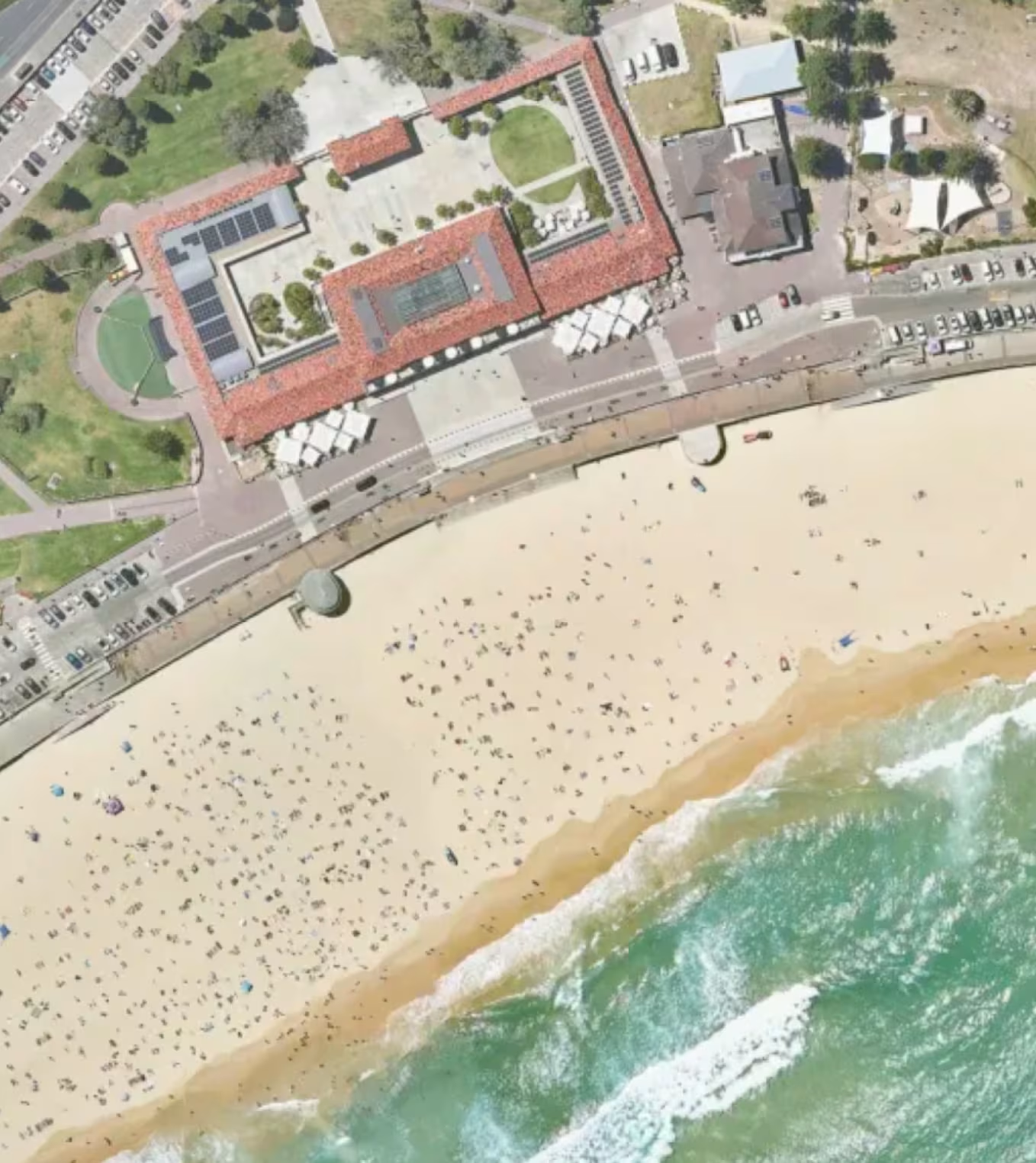
Here are some ways You can harness high-res aerial imagery:
Whatever your property profession or wherever you are on your property journey, you can utilise high-resolution aerial imagery to help you make those critical decisions, all from desktop vantage.
Site assessments:
Check the feasibility of a site before you kickstart your DA for council approval. High-resolution images clearly show the physical characteristics of a site as well as plot size, shape and zoning. You can measure a site in the aerial image by using the measuring tools made available to you on the right-hand side panel.
Planning:
Apply planning zones and overlays to your aerial image on the map so that you can visually evaluate development setbacks and potential within the context of local planning precedents. Apply the planning permit filter to your aerial map-view, and examine nearby properties with permits similar to your subject property.
Prospecting:
Finding sites through site finder with high-res aerial imagery makes for a realistic reconnaissance experience. Without having to physically travel from site to site, you can appreciate suburbs, land and lots from an aerial perspective, and within your selected search criteria, without leaving your desk. Save your search results and images to a project for sharing or for your own record.
Property reviews:
Whether for legal or valuation purposes, you can check a property’s changes over time by viewing and comparing the extensive archive of historic images for that property, made available when you turn on high-resolution aerial imagery. The clarity and frequency of images enables you to identify the finest details and slightest changes over time from a close-up, aerial perspective.
Export options:
There are two ways to export the high resolution aerial imagery of a property. You can use either the Export Current Map View or Export High-Res Image button on the right-hand side toolbar.
The Export Current Map View feature allows you to take a snapshot of the current location and download the image as a PNG file, including any planning layers, planning permits/DA filters, datasets, measurements or mark ups you have on the map.
Meanwhile, the Export High-Res Image functionality allows you to select an area and download a georeferenced high resolution aerial photograph.
You can then use the image to share with your clients or team members, use in your reports, marketing materials or for presentation purposes.
Exporting your high-res aerial images:
You can export your high-resolution aerial image simply by selecting your property or site on the map as directed when you click on the high-res export icon. Images are formatted in JPEG or PNG.

.png)