Land Zoning & Zoning Maps
Check a property’s zoning details using Landchecker. Our zoning maps cover all states and territories in Australia, updated daily from government sources.
View zone code, zone name, schedule, description, and even the link to the relevant planning scheme documents, all in one place, whether you are searching for the zone of one property or multiple properties at once!
Looking to search for an address or learn more about our data coverage and features? Create a Landchecker account for free today or view our plans page.
“Having the planning zones and overlays, permits and aerial images in one platform makes site selection fast – a breath of fresh air in an industry where speed isn’t the norm, particularly when it comes to long and arduous town planning process. "Landchecker" has been part of Samuel Property’s acquisition strategy for about five years now. “It’s an absolute game-changer.”
Ilan Samuel, Managing Director
Samuel Property
What You Get When You Check the Land Zoning Maps
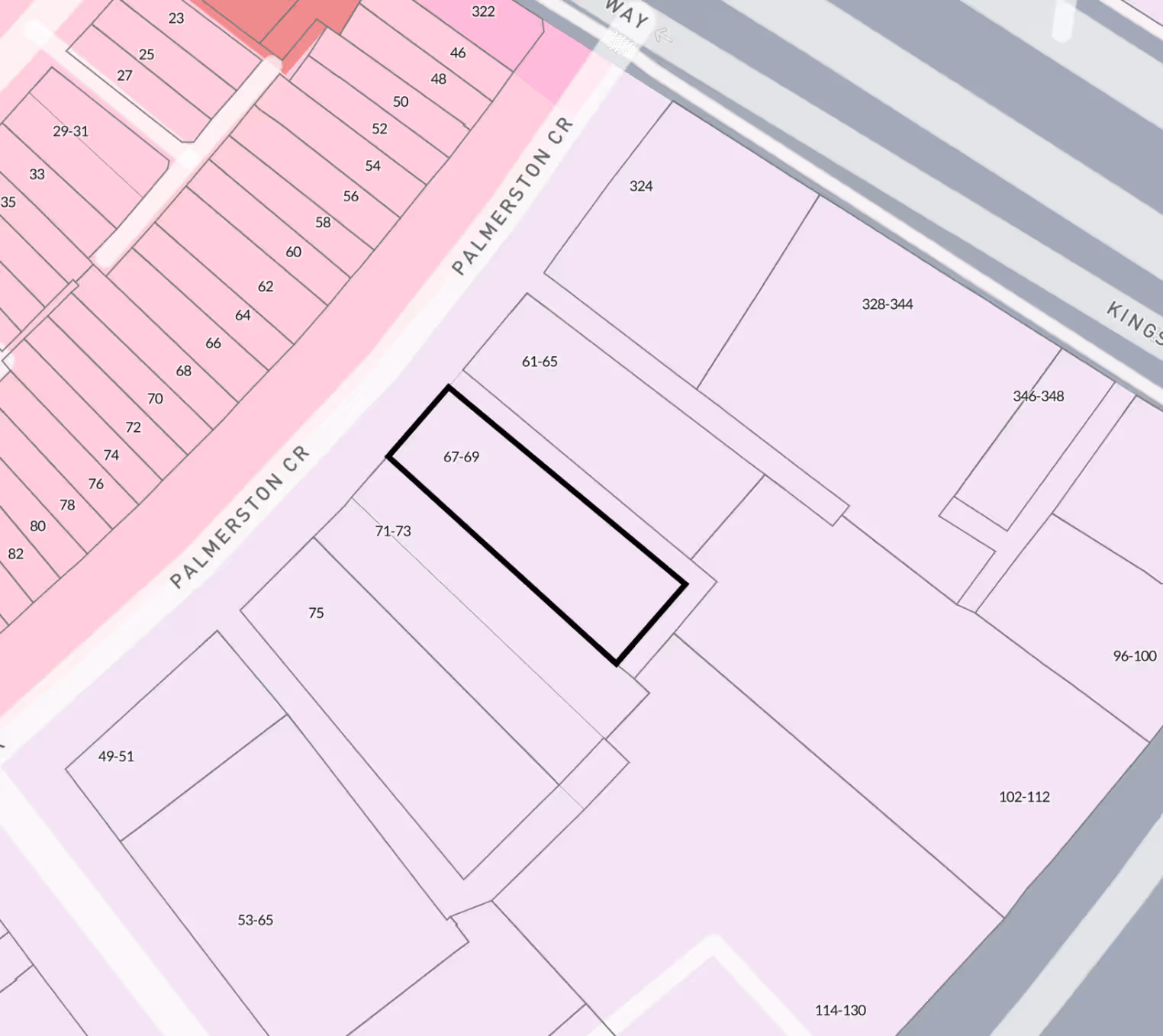
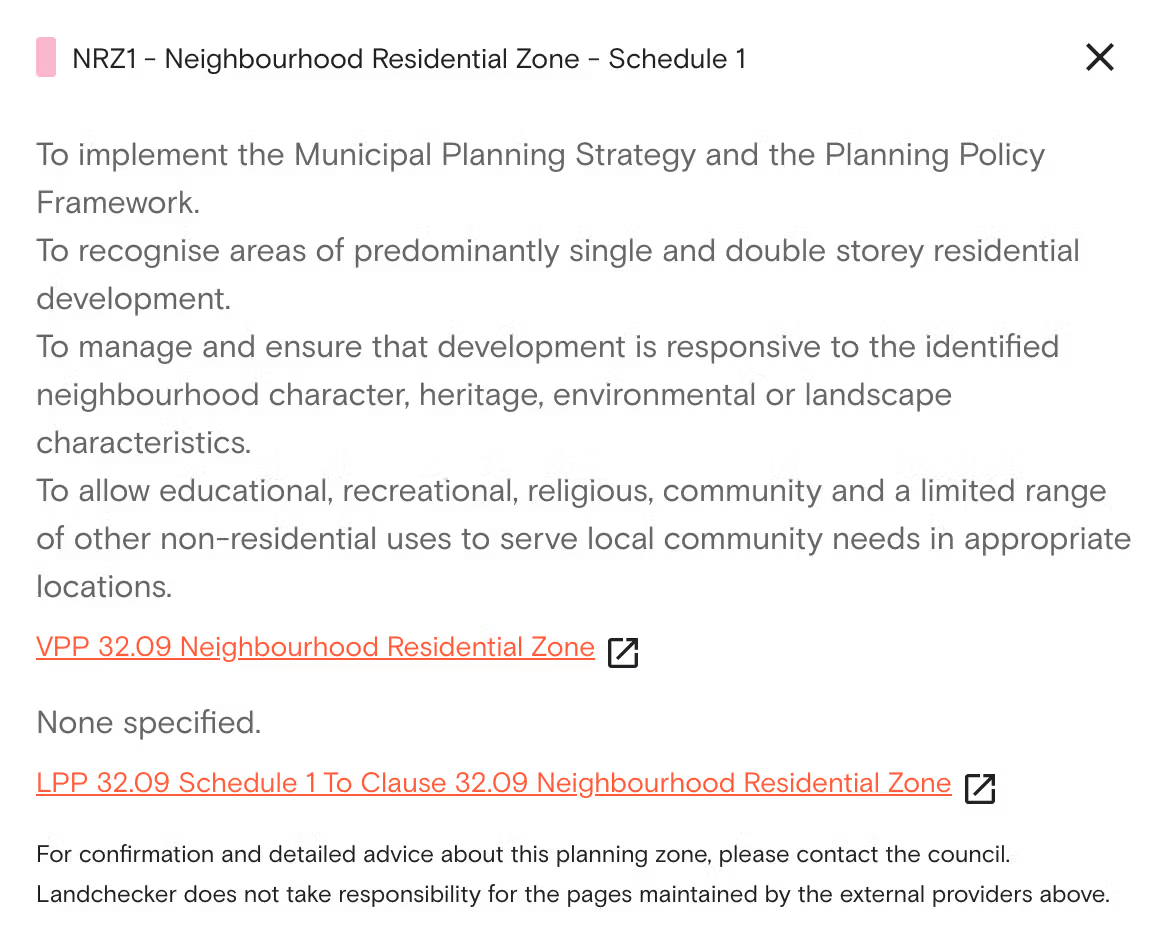
If you check your property using the Landchecker platform, in the right and left-hand side panels, you get to access the following data shown on the land zoning map:
- Zone Code: You’ll see the abbreviation of the zones, such as GRZ under the Victoria zoning maps and R2 in New South Wales.
- Zone Name: On the left-hand side panel, you’ll also see the complete zone name, such as General Residential Zone, Low Density Residential Zone, including the Queensland zoning maps that have longer zone names.
- Schedule: For instance, if you are viewing the VIC planning zones, you get to view the schedules available for the property by clicking the information button on the right-hand side panel.
- Description: Access the description that tells you more about the zone and the type of land use per state on the right-hand side planning information section. Descriptions are available for VIC and the NSW zoning maps.
Data Coverage
Landchecker provides you with consolidated data to inform you of land zoning and zoning maps across Australia. The followign outlines the council coverage and data source for each state and territory.
Victoria
All 79 councils: Department of Environment, Land, Water and Planning (DELWP)
New South Wales
All 128 councils: Department of Planning and Environment (DPIE)
Queensland
23 of 78 councils: Individual councils
Western Australia
138 of 141 councils: Department of Planning, Lands and Heritage (DPLH)
South Australia
All 71 councils: Land Services SA (LSSA)
Tasmania
All 29 councils: The List (Tasmania's spatial data infrastructure)
Northern Territory
9 of 17 councils: NT.GOV.AU
Australian Capital Territory
Full coverage: ACTmapi
How Current and Accurate are the Land Zoning Data?
Land zoning data is updated on a daily basis. However, if there are changes to the planning scheme, they are gazetted the very next day, and the changes are updated on the platform.
The changes that are proposed for the zone data in Victoria are also shown on the Premium Property Report. These are the changes advertised by the planning department, and shown on the platform even before they are approved.
Our team also checks for anomalies in the data we roll out. There are different reasons that cause these problems, such as having the wrong information straight from the source. For example, the whole suburb might have been included in one of the overlay zones by mistake, and in this case, the system would automatically switch back to the previous version of the information.
The Difference Between Zones and Overlays
A planning zone refers to the general use of the property. It can include residential use, commercial use, industrial use, rural use, and others. However, this information alone cannot provide the complete picture.
Meanwhile, planning overlays are special types of controls that can include different requirements and limitations for the construction and development of properties. For example, a property may fall in a residential zone. In that case, it can have a special building overlay, a flood overlay, a bushfire management overlay, a heritage overlay, and others.
Among the biggest mistakes made by property professionals is to check the zone but not check the overlays. However, this will not be a problem when you use Landchecker. There are three different ways to view the overlays:
1. Toggle on planning overlays in the planning layers panel on the left side of the map.
2. After searching a property, view the planning information on the right-hand side panel and click the information button to learn more about the overlay.
3. Purchase a premium property report that includes a complete summary of the property.
Three Ways to Check Property Zoning Online Using Landchecker
Here are the three different ways to conduct a property zoning check on Landchecker.
1. Enter an address and check the information panel
Enter the address or lot number into the search bar. After the map loads, the zone of the property will appear in the information panel to the right of the screen. By clicking the ‘i‘ button under the planning information section, you can download the full scheme document for that zone.
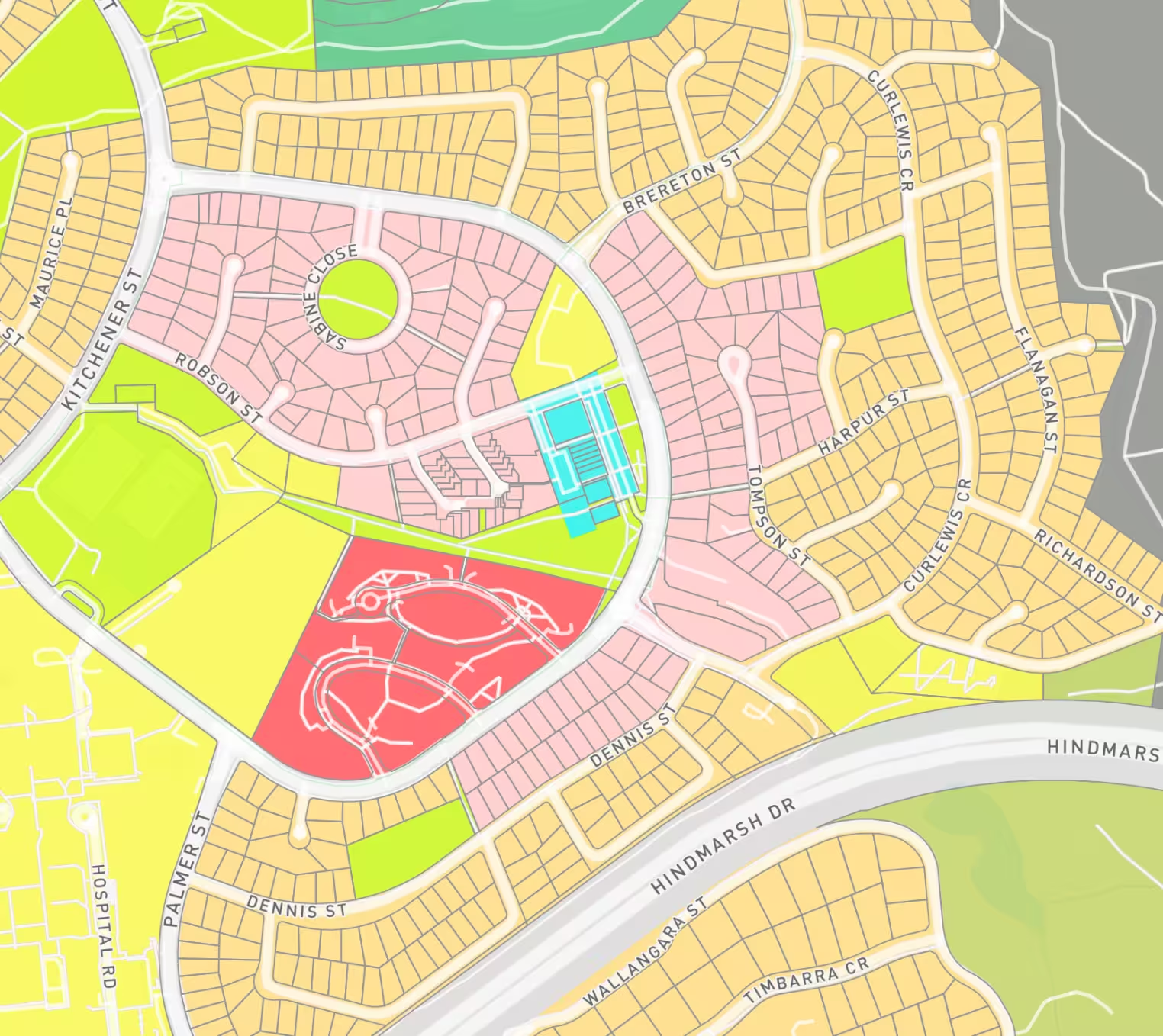
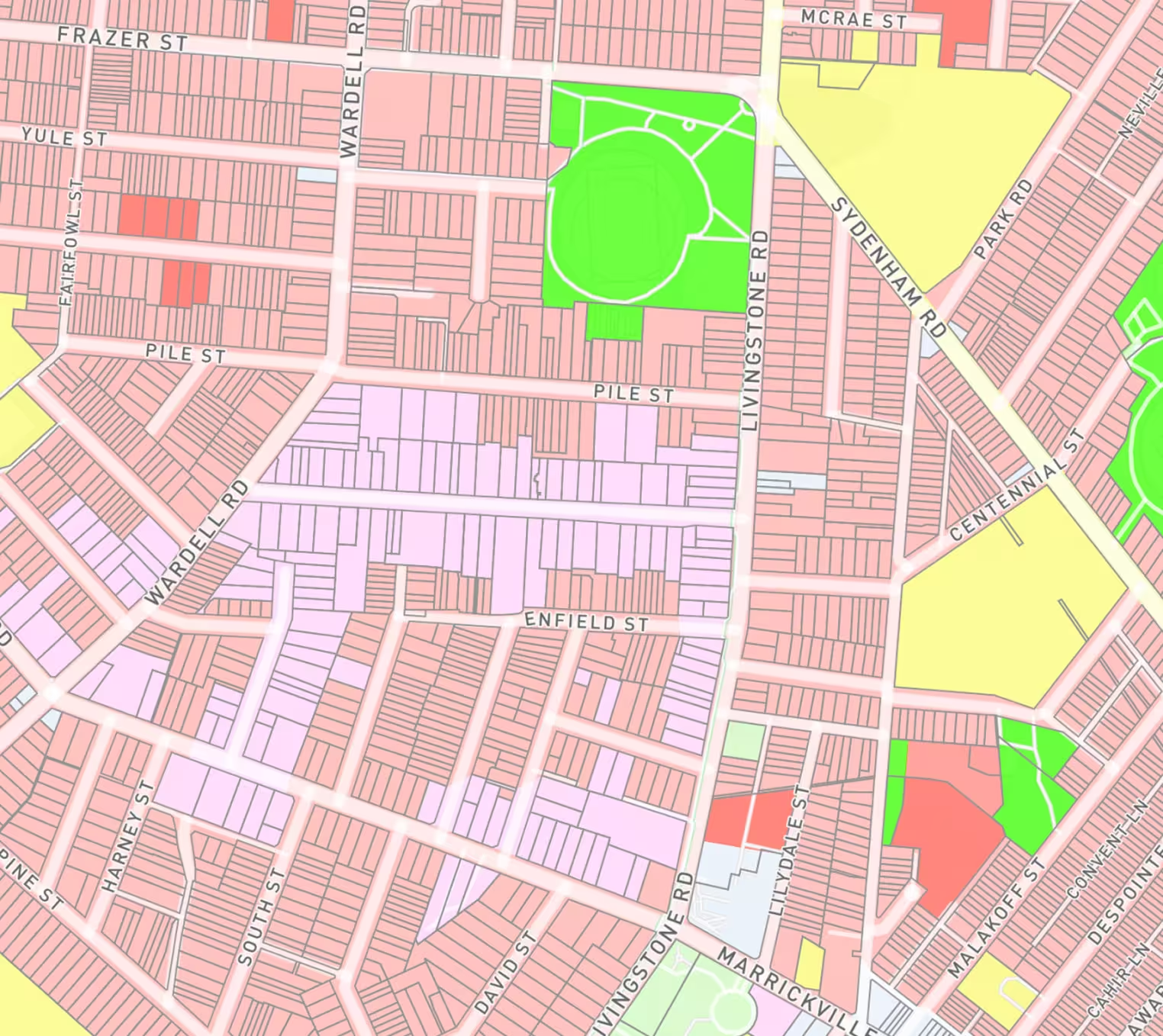
2. Turn on the planning layers to check zoning across the map
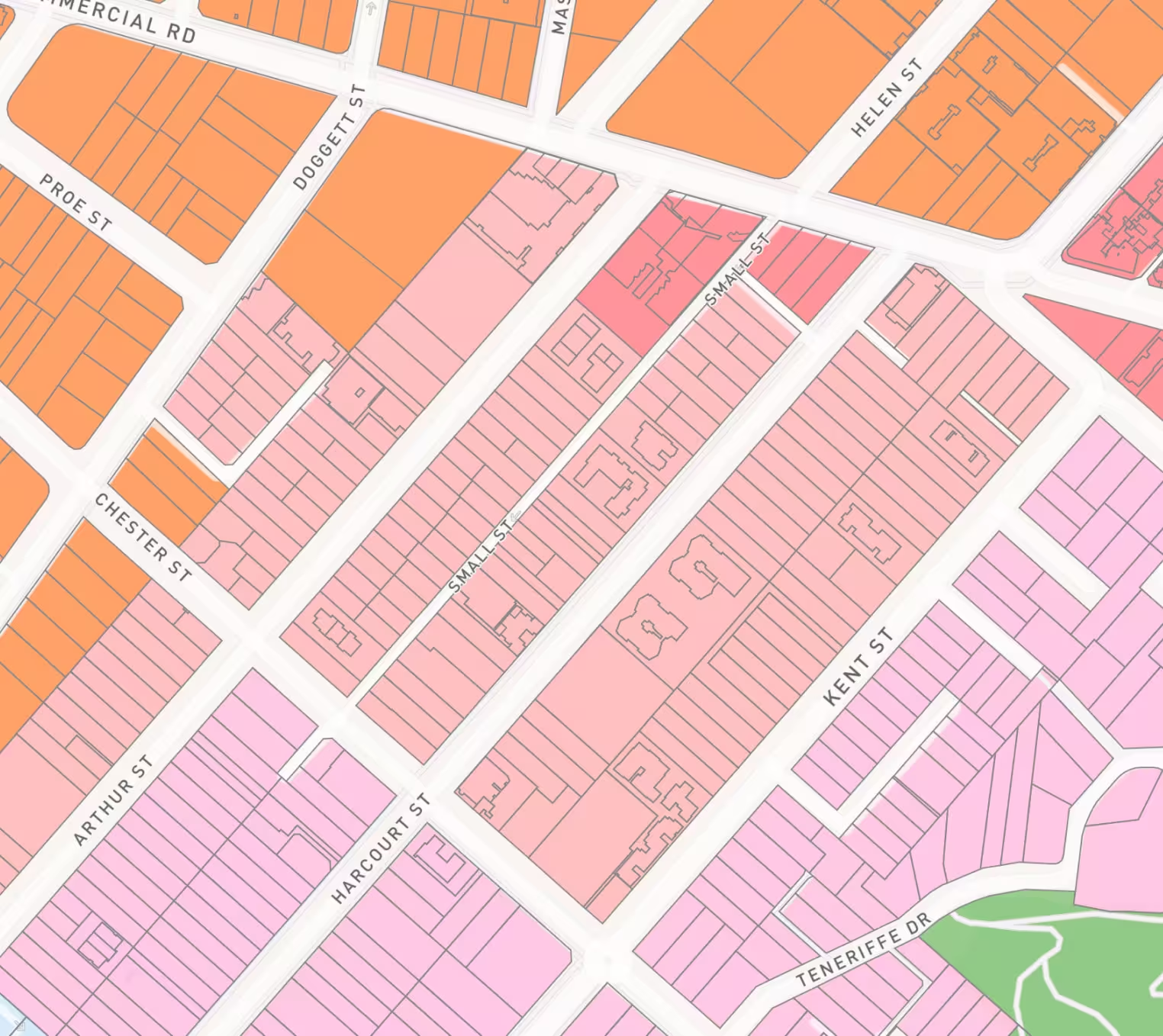
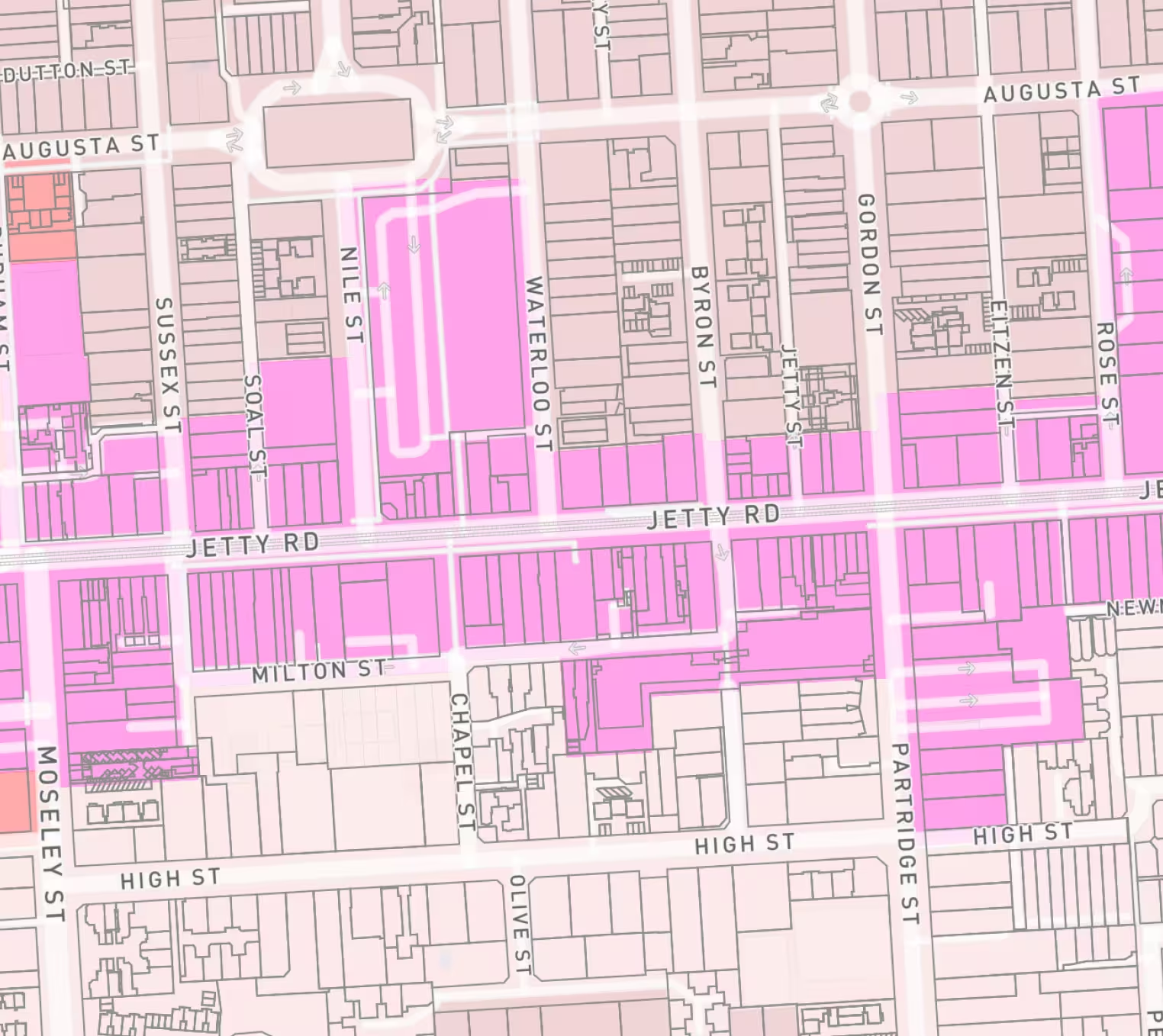
Open the planning layers panel, which can be found at the left-hand side of the screen. Tick the checkbox next to the planning zoning layer. This will show all properties in your map area shaded according to their zone, giving a comparison of all properties in the area.
3. Order a Premium Property Report
If you require a document to record your findings, the Premium Property Report provides information about the zone, all overlays, hazards, and permit history. Premium Property Reports can be ordered for properties in Australia.
Bulk Export Planning Zones Using Projects
If you’re working on multiple properties or developments, you can export zone data within Projects for up to 1,000 properties. You can also download a premium property report to generate a document showing the property zoning for developments you’re working on.
Who Uses This Tool
Property professionals such as architects, town planners, and property developers use this tool to check zoning online and understand a property’s development potential.
Homeowners also use Landchecker to check property zoning to determine what they can do with their property, especially when renovating, creating a second dwelling or building a larger property.
If you’re interested in using Landchecker to assist in making data-driven decisions, either personally or professionally, get in touch with our team to discover our plans tailored to you and how we can streamline your research process.
Trusted by thousands of businesses every day
"Having access to all this property information in one place is invaluable, from sales data, to planning information and permits. The Landchecker map is very easy to use."
"Clients expect the advice to come immediately so they can make informed decisions on whatever it is they're doing, whether it is an acquisition or development applications or VCAT, Landchecker is that one-stop-shop; a tool that we could use to provide advice we could then give to our clients in a timely fashion."
“Landchecker is the most used and popular online tool for KordaMentha’s real estate team. Its intuitive platform simplifies complex property research, enabling our team to quickly retrieve essential information such as land size, zones and overlays, planning information, and sales history."
"Landchecker has been a gamechanger for InForm - not only in the way in which we are able to gather all accurate information on parcels of land, but also in the way in which we service our clients."
"Landchecker is essential for our business for evaluating development opportunities by offering detailed property insights, High-Resolution Imagery, and zoning data to save time and enable confident decisions."
"Landchecker has provided significant support to our due diligence process, providing efficient searching solution and quick access to key planning data and high-resolution imagery. It’s an essential tool improving the efficiency of our opportunity assessment."

.png)